AuthPoint Single Sign-On: Modern Security For Hybrid Work

Hybrid work has changed the way businesses operate, but it has also changed the way cyber criminals find opportunities. Employees now access company systems from offices, homes, shared networks and mobile devices, meaning security can no longer rely on the traditional office perimeter. Whether someone is opening confidential files, using cloud applications or signing in to business platforms, they need secure access that follows them wherever they work. This is where WatchGuard’s AuthPoint Single Sign-On can make a real difference, helping organisations simplify access while strengthening protection against credential-based threats.
While VPNs are a familiar way to secure remote connections, they are not always the best option on their own. Many businesses now rely on cloud applications for day-to-day activities, and moving more services into the cloud can create additional areas for attackers to target.
Traditionally, cyber security relied on a strong network perimeter, which essentially acted as a wall. Once a user was inside that wall, there were often fewer restrictions. While this worked when most employees were in the office five days a week, hybrid working has changed that model. As more people log in remotely, perimeter-based security is becoming increasingly ineffective against modern threats. Platforms such as Microsoft 365 and Salesforce, for example, are now frequently targeted.

What Is AuthPoint Single Sign-On?
With just one set of sign-on credentials, users can access multiple independent applications and systems. SSO eliminates the need for users to sign in and out with unique credentials for every application or system they are provisioned to use. It is built on the concept of federated identity, which enables ID information to be shared across trusted but independent systems.
The three main areas of SSO are the service provider, which initiates the authentication request; the identity provider, which validates the user’s credentials and grants access; and the token provider, which exchanges requests between the service provider and identity provider on behalf of the user. By using one set of credentials, SSO can speed up the process of signing in to multiple applications through a single login. The Datasheet breaks down the capabilities of the AuthPoint Identity Security.
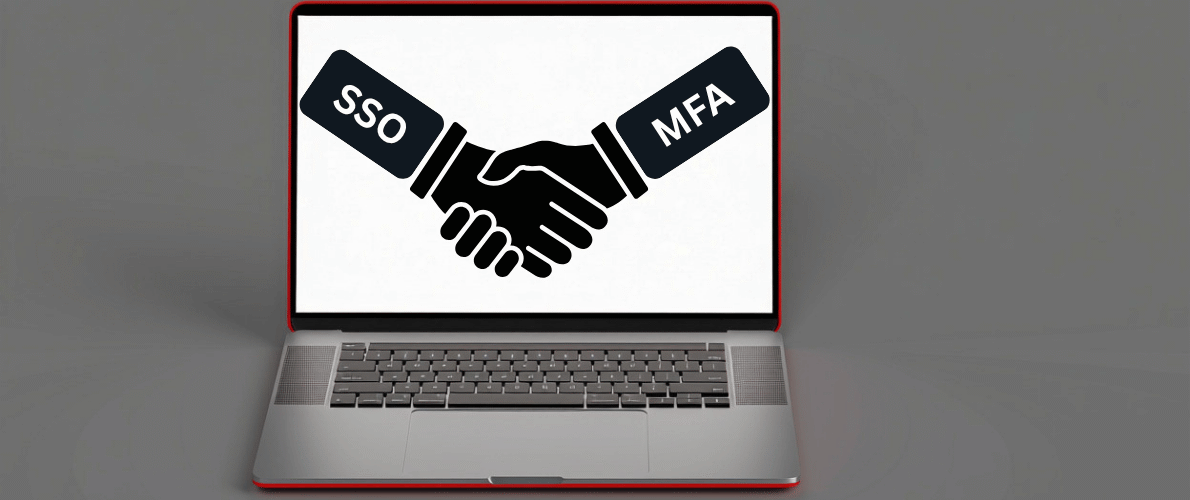
SSO and MFA: The Perfect Couple
Passwords however are not enough these days due to elements such as being too weak, reused or just people being more prone to sophisticated phishing attacks. Which is why coupling SSO up with Multi-Factor Authenticator (MFO) is a solution to the problem. Whilst you only need one password, you also have a much more secure way of preventing secure documents getting breached regardless of the password as MFA requires you to approve the sign in from another device such as a mobile phone.
SSO also helps with a simple matter as well for the IT team as currently whenever a user forgets their login, they have to raise a ticket with their IT team. By having just one password it can lead to a reduction in these requests and therefore allows for the team to focus their skills elsewhere on other projects. By reducing the administrative overheads productivity and costs are improved.
SSO also allows IT teams to centralise and manager user access across multiple applications meaning in circumstances such as a new employee starting or an employee departing – the team are equipped to handle that themselves. They would also have the ability to revoke permissions instantly as well as grant permission to these systems.
In 2022 according to Verizon, 74% of data breaches involved the human element including using and losing credentials. Instead of managing credentials individually across numerous platforms, administrators can control access through a unified identity management system.
SSO helps bridge this divide by providing a unified authentication experience across both cloud and on-premises applications. With AuthPoint SSO, users can securely access the applications they need through a single set of credentials, regardless of where those applications are hosted. This not only simplifies access for employees but also enables organisations to apply consistent security controls across their entire IT estate.
Measuring The Business Impact
When considering cyber security investments, organisations need to look beyond technical features and focus on measurable business value. AuthPoint Single Sign-On and MFA do more than strengthen login security; they help reduce operational friction, improve employee productivity and support a more efficient IT environment.
For businesses operating in a hybrid model, this is particularly important. Employees need fast, reliable access to the tools they use every day, while IT teams need confidence that access is controlled, visible and secure.
By simplifying authentication, SSO helps create a smoother user experience while supporting stronger governance across the organisation.
From just a security perspective, having and using both SSO and MFA helps to reduce the chances of successful cyber-attacks. By strengthening the login phase of security, companies can lower the probability of costly security incidents and in turn that will eliminate any costs of trying to repair a security breach.
Conclusion
As hybrid work continues to shape the modern workplace, organisations need security solutions that are both strong and simple to use. AuthPoint Single Sign-On, combined with MFA, helps reduce reliance on multiple passwords, strengthens identity protection and gives IT teams better control over user access.
It also supports productivity by making it easier for employees to access the tools they need, wherever they are working. By adopting SSO, businesses can improve security, reduce administrative strain and create a more consistent login experience. In a hybrid world, secure access is no longer optional; it is essential.
If you want to speak to the security team about SSO, get in touch with them here or give them a call 01488 647 647